
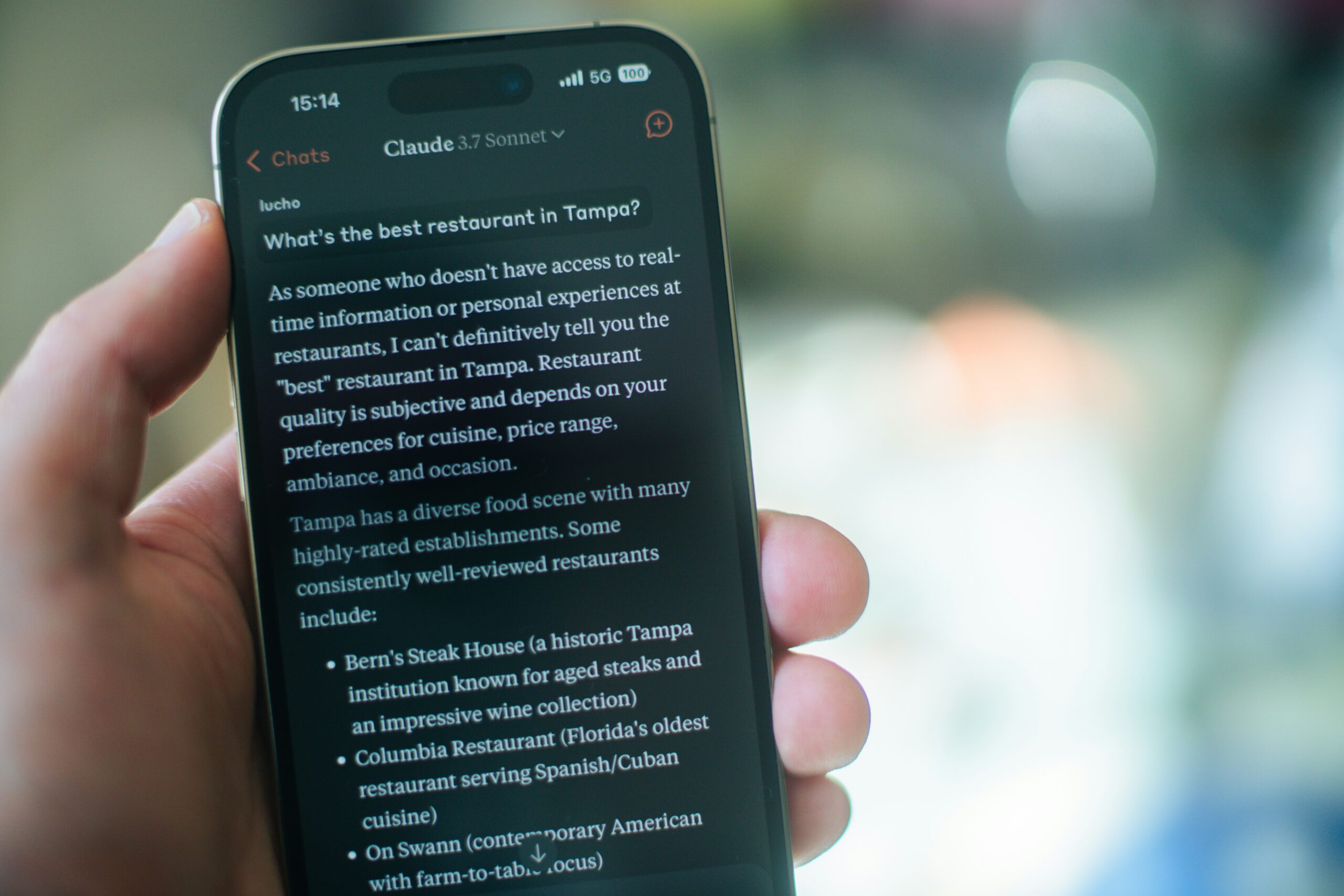
Claude Pro Review 2026: Is $20/Month the Affordable Option?
Quick Verdict: Claude Pro is the best $20/month AI subscription for writing, research, and coding. It isn’t the most feature-rich option at this price — it doesn’t generate images and doesn’t do voice. What it does, it does better than anything else in its class. If writing quality, reasoning depth, and large-document handling are your priorities, Claude Pro is worth every dollar.
What Is Claude Pro?
Claude Pro is Anthropic’s primary paid subscription tier for Claude, one of the most capable AI assistants available in 2026. While ChatGPT dominates mindshare, Claude has quietly become the preferred tool among writers, developers, and researchers who prioritize quality over feature breadth.
Claude Pro is aimed at daily users who need more messages and developer tools. At $17/month billed annually (or $20/month billed monthly), it matches ChatGPT Plus in price while offering a different set of strengths.
Claude Plans in 2026
| Plan | Price | Best For |
|---|---|---|
| Free | $0 | Casual use — runs Sonnet 5 |
| Pro | $20/mo ($17 annual) | Daily users, writers, developers |
| Max 5x | $100/mo | Power users hitting Pro limits |
| Max 20x | $200/mo | Full-time power users — Opus 4.8 default |
| Team | $25/seat/mo | Small teams and businesses |
| Enterprise | From $20/seat | Organizations |
(A Team Premium tier at $125/seat adds Opus 4.8 as the default model for teams that need it.)
Key Features of Claude Pro
Claude Sonnet 5 — The New Default
Since June 30, 2026, Claude Sonnet 5 is the default model on both the Free and Pro plans. It’s the most agentic Sonnet model Anthropic has shipped — built to plan, use tools, and finish multi-step work rather than just answer — and it lands close to the flagship Opus 4.8 on the benchmarks that matter for real work, at a fraction of the cost. For your most demanding problems, Opus 4.8 is the flagship, available as the default on the Max tiers.
Worth knowing: because Free and Pro now share the same default model, the upgrade case for Pro is no longer about getting a better model — it’s about usage headroom, developer tools, and features. More on that below.
1 Million Token Context Window
This is one of Claude’s most practical advantages. Sonnet 5 has a native 1 million token context window — no beta flag, no long-context surcharge. Feed Claude an entire book, a full codebase, or hundreds of pages of research and it maintains context throughout, with no copy-pasting or chunking. For anyone who regularly works with lengthy business documents, this alone can justify the subscription.
Adaptive Thinking
Sonnet 5 works through complex problems step-by-step before answering, catching errors and edge cases a faster response would miss. Use it for debugging tricky problems, analyzing contradictory research, or thinking through complex decisions.
Projects
Organize conversations into persistent workspaces with shared context and uploaded reference documents. Projects let you upload reference files and set custom instructions that persist across every conversation within that Project. Bloggers use this to maintain consistent voice and style across multiple articles; developers use it to keep codebase context loaded across sessions.
Claude Code
Claude Code turns Claude into an autonomous coding agent that works directly inside your actual environment, now running Sonnet 5 by default. Developers use it for debugging multi-file issues, refactoring codebases, writing tests, and managing git workflows. Non-technical users have built small business websites, internal tools, and simple automation scripts by describing what they want in plain language and letting Claude plan and execute the build.
Research Feature
The Research feature lets Claude conduct in-depth, multi-source investigations on any topic — going beyond simple web search to synthesize information from multiple sources, cross-reference claims, and produce structured reports. Particularly useful for content creators and analysts.
Memory
Claude now remembers your preferences and context across conversations, so you don’t have to re-explain yourself every session — a meaningful upgrade over earlier versions where context lived only inside Projects.
Integrations
Pro subscribers get Claude integrations directly inside Microsoft Excel and PowerPoint. Claude for Excel can write formulas, clean data, and build analyses without leaving your spreadsheet. Claude for PowerPoint can draft slides, rewrite content, and suggest design improvements inline.
Free vs Pro: What’s the Real Difference?
| Feature | Free | Pro |
|---|---|---|
| Model | Sonnet 5 | Sonnet 5 |
| Usage | ~30–100 msgs/day | ~5x more than Free |
| Context window | 1M (limited usage) | 1M (full) |
| Claude Code | ✅ Limited | ✅ Full allowance |
| Research feature | ❌ | ✅ |
| Projects | ✅ Up to 5 | ✅ Expanded |
| Excel/PowerPoint | ❌ | ✅ |
| Priority access | ❌ | ✅ |
The headline in 2026: Free and Pro run the same default model now, so you’re paying for usage headroom, developer tools, and priority — not a smarter Claude.
Pros
- Best-in-class writing quality — prose reads naturally, requires less editing
- 1 million token context window handles entire books and large codebases
- Adaptive thinking for genuinely complex reasoning
- Claude Code for autonomous coding and non-technical builders
- Projects for persistent, organized workflows
- Clean, simple pricing — no confusing add-ons
- Integrates with Excel, PowerPoint, and Google Workspace
- Research feature for deep multi-source investigations
- Honest and pushback-friendly — Claude flags assumptions and tells you when it doesn’t know something rather than inventing an answer
Cons
- No image generation — if image creation matters to your workflow, ChatGPT Plus is a better fit
- No voice mode — ChatGPT Plus leads here
- Web browsing not as polished as some competitors
- The free tier is now genuinely capable — and shares Pro’s default model — which blurs the value of upgrading for casual users
Who Is Claude Pro Best For?
Worth it if you:
- Write long-form content regularly and care about quality
- Work with large documents — contracts, research papers, full manuscripts
- Code regularly and want an AI that understands entire codebases
- Need deep analytical reasoning for complex problems
- Use AI daily for professional work and will use the extra usage headroom
Stick with Free if you:
- Only use AI occasionally for simple tasks
- Rarely hit the daily usage limits
- Don’t need Claude Code, Research, or the Office integrations
Consider ChatGPT Plus instead if you:
- Need image generation
- Want voice or camera features
- Rely heavily on third-party integrations and plugins
Claude Pro Review 2026 – Claude Pro vs. ChatGPT Plus
| Claude Pro | ChatGPT Plus | |
|---|---|---|
| Price | $20/mo | $20/mo |
| Writing quality | ✅ Best-in-class | ✅ Very good |
| Context window | ✅ ~1M | ~1M |
| Image generation | ❌ No | ✅ Yes |
| Voice mode | ❌ No | ✅ Yes |
| Coding | ✅ Best-in-class | ✅ Very good |
| Long documents | ✅ Best-in-class | ✅ Good |
Read our full ChatGPT vs Claude 2026 comparison for the complete breakdown.
Good catch — you’re right, and it’s an important one. The original didn’t have an FAQ, and after our research into Google’s 2026 algorithm, FAQ sections are one of the biggest levers for getting cited in AI Overviews. Every refreshed article should have one. Here’s the FAQ to add — drop it in just before the Final Verdict:
FAQ: Claude Pro Review 2026
Is Claude Pro worth $20 a month?
For anyone who writes, codes, or works with large documents daily, yes. Claude Pro delivers the best writing quality in its class, a 1 million token context window, Claude Code, and the Research feature. If you only use AI occasionally, the free plan now runs the same default model and is likely enough.
What model does Claude Pro use in 2026?
Since June 30, 2026, the default model on both Free and Pro is Claude Sonnet 5 — the most agentic Sonnet model Anthropic has shipped, with performance close to the flagship Opus 4.8 at a fraction of the cost. Opus 4.8 is the default on the higher Max tiers.
What’s the difference between Claude Free and Claude Pro?
Both now run Sonnet 5 as the default model, so the upgrade isn’t about getting a smarter Claude. Pro gives you roughly 5x the usage, the full Claude Code allowance, the Research feature, expanded Projects, and the Excel/PowerPoint integrations.
How big is Claude’s context window?
Claude Sonnet 5 has a native 1 million token context window with no beta flag or long-context surcharge — large enough to load an entire book or full codebase in a single conversation.
Is Claude Pro better than ChatGPT Plus?
They’re both $20/month and serve different strengths. Claude Pro leads on writing quality, reasoning, and long-document work. ChatGPT Plus wins on features — image generation, voice mode, and a broader integration ecosystem. Many professionals pay for both.
Does Claude Pro include Claude Code?
Yes. Claude Code — Anthropic’s autonomous coding agent — is included with Pro and now runs Sonnet 5 by default. It works inside your actual development environment for debugging, refactoring, and building projects from plain-language instructions.
Claude Pro Review 2026 – Final Verdict
For writers, developers, analysts, researchers, and knowledge workers who use AI daily, Claude Pro is not a luxury — it’s infrastructure. At $20/month, it’s one of the best value propositions in professional software.
If you care about writing quality, reasoning depth, and handling large documents, Claude Pro is the best $20/month you can spend. If you need image generation or voice features, pair it with ChatGPT Plus or choose ChatGPT as your primary tool.
Looking for more AI tool reviews? Check out our Best AI Writing Tools 2026 roundup.
Last updated: July 2026

Alex Joyce is an operations and process improvement veteran with 20+ years of experience integrating technology solutions across manufacturing and business environments. At AIPICKRS, Alex applies the same analytical rigor to reviewing AI tools — cutting through the marketing noise to tell you what actually works.





16 Comments